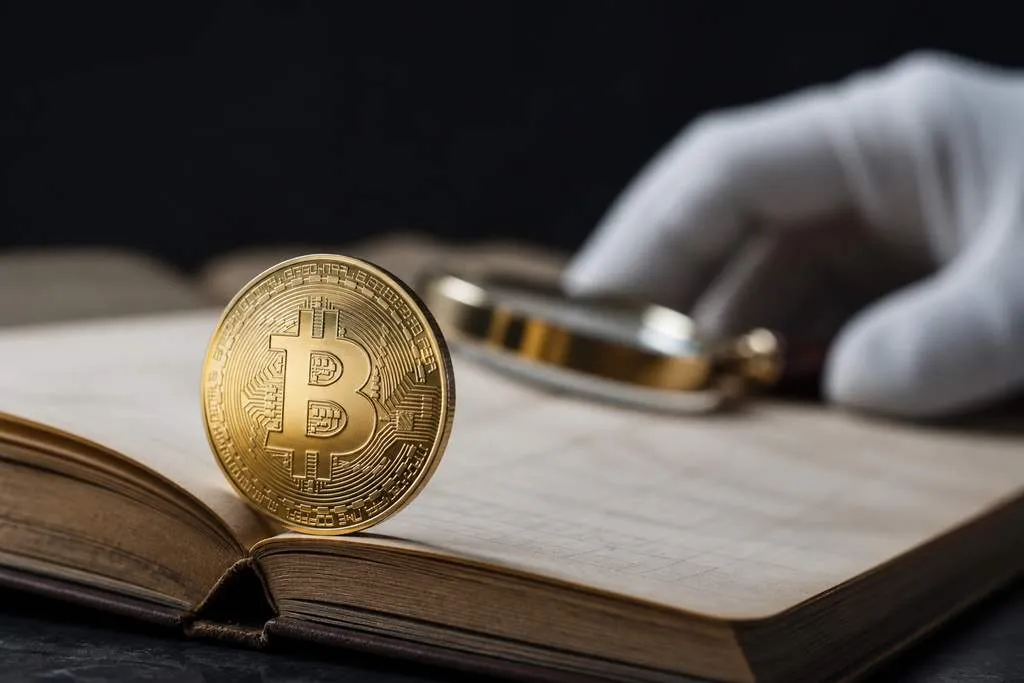

Ask a group of crypto users which wallet they run and the answers cluster around a few names. By download and active-user counts, MetaMask and Trust Wallet consistently lead the software wallet category, Coinbase Wallet sits just behind them, and Ledger is the default answer in hardware. The rankings shift with market cycles, but the names themselves have been stable for years.
Popularity alone is a weak way to choose, though, because “wallet” covers four quite different products: browser extensions, mobile apps, hardware devices, and the custodial accounts that exchanges hand out. This walkthrough takes the practical route — what the rankings actually measure, how to pick the right category for your situation, and the steps of installing, backing up, and funding a self-custody wallet without the mistakes that cost beginners money.
What is the most popular crypto wallet right now
Among self-custody software wallets, MetaMask is the most cited answer. Built by Consensys, it runs as a browser extension and a mobile app and has become the default sign-in layer for Ethereum and the many chains that copy its architecture. Consensys has reported tens of millions of monthly active users, and most decentralised applications are built to connect to it first.
Trust Wallet is the other heavyweight: mobile-first, native support for a wider spread of chains, and owned by Binance since 2018. Coinbase Wallet occupies a similar position — a self-custody app that shares a brand with the Coinbase exchange, and the natural next step for users who want direct control of their coins. In hardware, Ledger has no comparable rival in public awareness; its Nano devices and the Ledger Live companion app are the benchmark other cold wallets get measured against.
One caveat matters. Apps like the main Coinbase exchange client post enormous download numbers, but they are custodial accounts rather than wallets in the self-custody sense — the company holds the keys. When rankings mix the categories, “most popular wallet” becomes a meaningless title. For a plain-language reference on questions in this family, the site’s crypto FAQ collects beginner explainers such as what is the most popular crypto wallet, how seed phrases work, and when an exchange account counts as a wallet.
Custody decides more than popularity does
Before installing anything, decide who will hold the keys. In a custodial setup the platform controls the private keys, and you recover access with an email and password the way you would with a bank. In a self-custody setup a seed phrase — usually twelve words generated on your device — is the only way to restore the wallet. There is no password reset, no support line, and no way to reverse a mistaken transfer. That single difference drives every other choice in this article.
The table below shows where each product type fits before you commit to one.
| Wallet type | Who holds the keys | Typical use | Main tradeoff |
|---|---|---|---|
| Browser extension (MetaMask) | You | DeFi, NFTs, dApps on desktop | Phishing and malicious approvals |
| Mobile app (Trust Wallet, Coinbase Wallet) | You | Everyday transfers and dApps on the go | Phone loss or malware |
| Hardware device (Ledger) | You; keys stay offline | Long-term storage of larger amounts | Costs money, slower for frequent use |
| Exchange account (main exchange apps) | The exchange | Trading and simple holding | No direct control of keys |
Most people eventually run two of these: a software wallet for day-to-day activity and interacting with applications, and a hardware device for amounts they could not afford to lose. Starting with one software wallet is a reasonable first move; the hardware layer can wait.
Installing and backing up a self-custody wallet
Setup follows the same shape across MetaMask, Trust Wallet, Coinbase Wallet, and most of their peers. Start at the official website — type the address yourself rather than trusting a sponsored search result, because fake wallet installers are a common scam. Install the extension or app and choose “create a new wallet”. The app will ask you to set a password, and it is worth understanding exactly what that password does: it locks the app on your device. It does not protect or recover your funds. The seed phrase does.
The app then displays twelve words. Write them on paper, by hand, and write them a second time; store the two copies in different places. Do not photograph the words, do not keep them in a cloud note, and do not paste them into a password manager, because anything digital can leak. The app will ask you to confirm a few words in order — that check exists because a phrase recorded incorrectly is the most common route to permanent loss. From that moment, nobody, including the wallet’s own developers, will ever legitimately ask for those words. Treat every request for them as a theft attempt.
Funding the wallet without a costly first mistake
To fund the wallet you can either buy crypto through its built-in purchase function, which routes through a third-party on-ramp and carries card-processing fees, or transfer from an exchange you already use. Transfers are usually cheaper. Copy the receive address from the wallet, paste it into the withdrawal screen, and then verify the first and last few characters against the original — clipboard-hijacking malware swaps addresses silently, and this two-second check defeats it.
The costlier beginner error involves the network, not the address. Many wallets support several chains, and an address that looks identical across them can hold funds that become stranded if you send on the wrong one. Pick the network the receiving wallet expects, keep the first transfer small — coffee-money size is a cheap insurance premium — and confirm it arrived before sending the rest. Expect a network fee on every transaction, shown before you confirm, which rises and falls with congestion.
Daily habits that keep a popular wallet safe
Popularity carries a security cost: the most widely used wallets attract the most fraud. The dominant threat is phishing — pages that imitate a wallet’s official site and ask you to “verify” your seed phrase, or accounts posing as support that message you after a public complaint. A genuine wallet team never asks for the phrase, and that single rule prevents most losses.
The subtler threat is token approvals. Interacting with a decentralised application usually means granting it permission to spend specific tokens from your wallet. Legitimate projects use this normally; malicious contracts abuse it to drain funds weeks later. Review and revoke old approvals regularly, especially after trying new platforms. A practical structure is two wallets: one small account for experimentation and one that never touches unfamiliar contracts. When the balance you are protecting grows, pair the wallet with a hardware device so transactions must be confirmed physically on a separate screen and the seed phrase never touches an internet-connected machine.
A practical setup path for a first-time user
Concretely: this week, install MetaMask or Trust Wallet from the official site, write the twelve words on two paper copies stored apart, and move in a small test amount. Use the wallet for a few weeks at a scale where a mistake would sting but not hurt. Once holdings pass what you would genuinely be upset to lose, buy a hardware device, move the bulk there, and keep the software wallet as the spending account. Review token approvals monthly and ignore anyone who asks for your seed phrase. Small start, tested habits, hardware when it matters — that is the sequence experienced holders actually followed.